
DreamDiner's Counter
When your team takes the order — at the counter or in their hand.
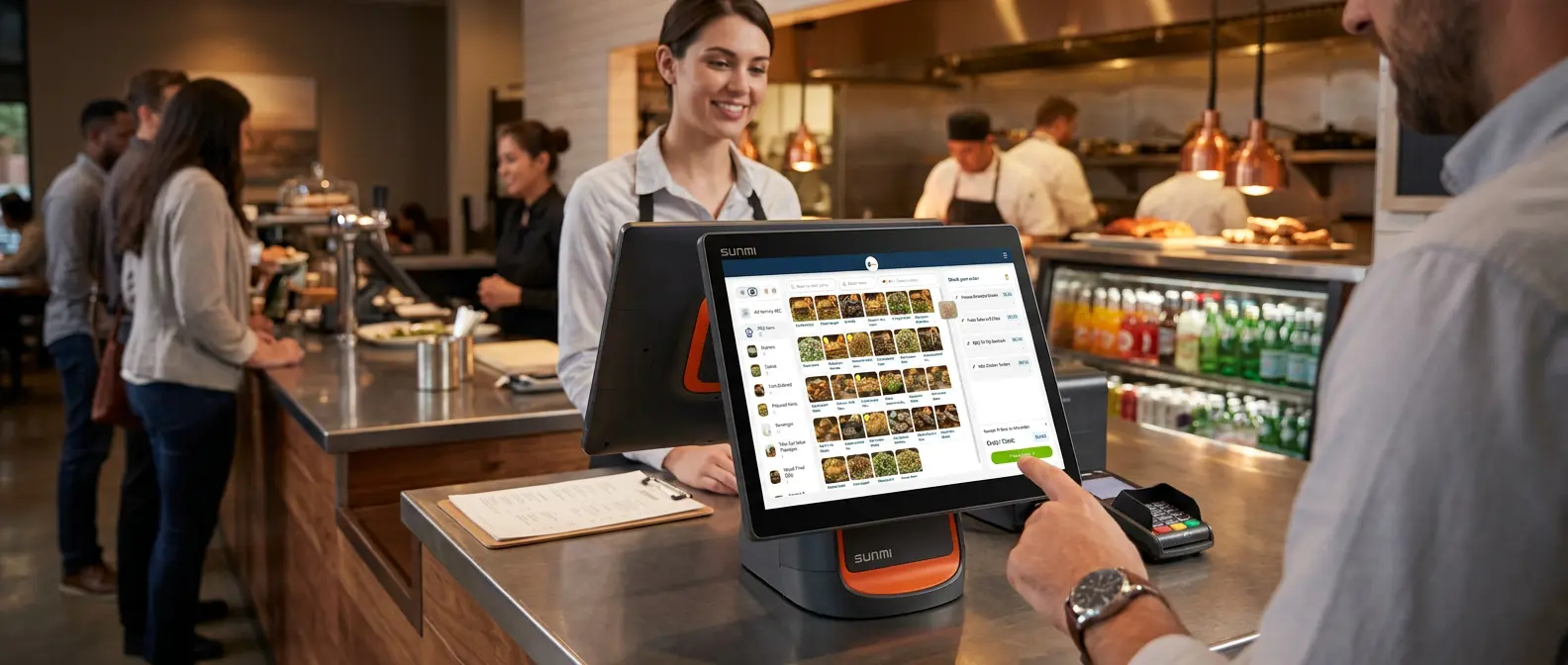
DreamDiner is built for self-ordering — guests scan, browse and order themselves. But sometimes an order needs a person: at the counter, over the phone, tableside, or for a guest who'd simply rather order with staff.
The Counter gives your team a fast, full-featured way to build any order on a guest's behalf — then send it straight to the kitchen, exactly like a self-order.
The same power on a big counter screen (POS) or a phone in a waiter's hand.
Self-order when they want it. Staff-order when they need it.
One Counter, two form factors
The same ordering power, shaped for wherever your team works:
Same menu, same options, same order — on whatever screen your team has.
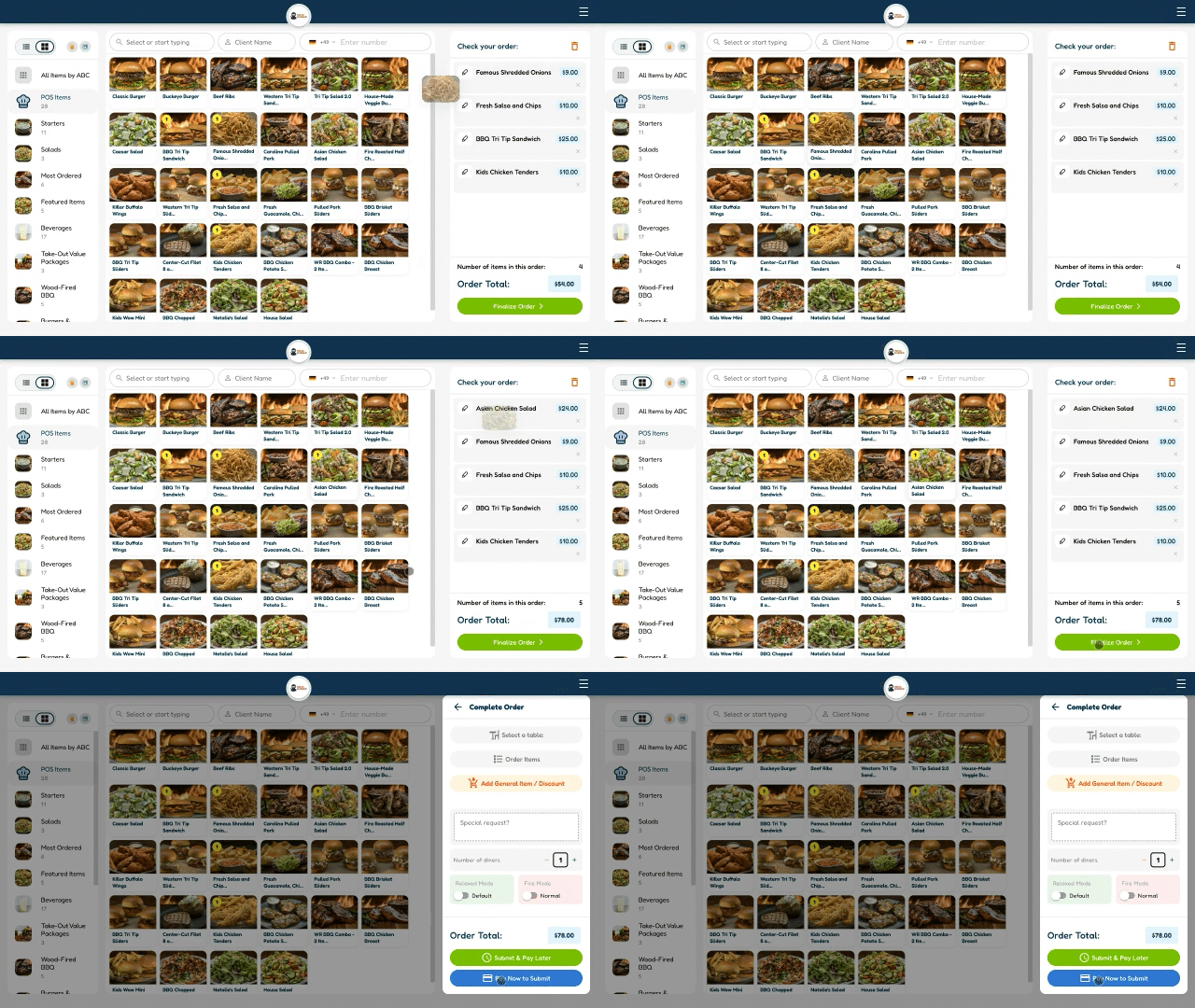
Taking an order is three taps
Staff build an order the same way every time — new team members are productive in minutes:
A built-in calculator makes cash and change effortless.
Take payment your way
Close the order however the guest wants to pay:
- credit_card Card or digital — via your connected payment provider
- payments Cash — with a built-in calculator for change
- qr_code_2 Generate a client QR payment code
- call_merge Combine payments across a table
- savings Add a tip
Hand the order back to the guest
Mid-order, tap Invite client to send the guest a link — so they can pay themselves or keep adding items from their own phone.
The best of both worlds: staff start it, the guest finishes it — or the other way around.
Tons of options — the best Counter ordering there is
Everything your team needs to handle any real-world situation at the counter:
Self-order and staff-order — one system
However an order starts — a guest's phone or a staff member's screen — it lands on the same POS / Orders board and flows to the kitchen and delivery zone the same way.
No separate system for staff orders — it's all DreamDiner.
Why staff ordering still matters
Self-ordering is brilliant — but real service needs flexibility. A phone call, a walk-up, a big table, a guest who wants a human. The Counter makes sure your team is never blocked.
The best Counter ordering in the world — because service is never one-size-fits-all.
- check_circle Take orders on desktop POS or mobile
- check_circle Full menu, options & special requests
- check_circle Every payment method, plus tips & QR
- check_circle Off-menu items, discounts & comps
- check_circle Invite the guest to pay or add more
From a quick counter sale to a complex tableside order, DreamDiner gives your staff the fastest, most flexible way to order for a guest — on any screen.
Self-order or staff-order — one connected restaurant. Powered by DreamDiner.