
Prep Assist
Cook by the item, not by the ticket.
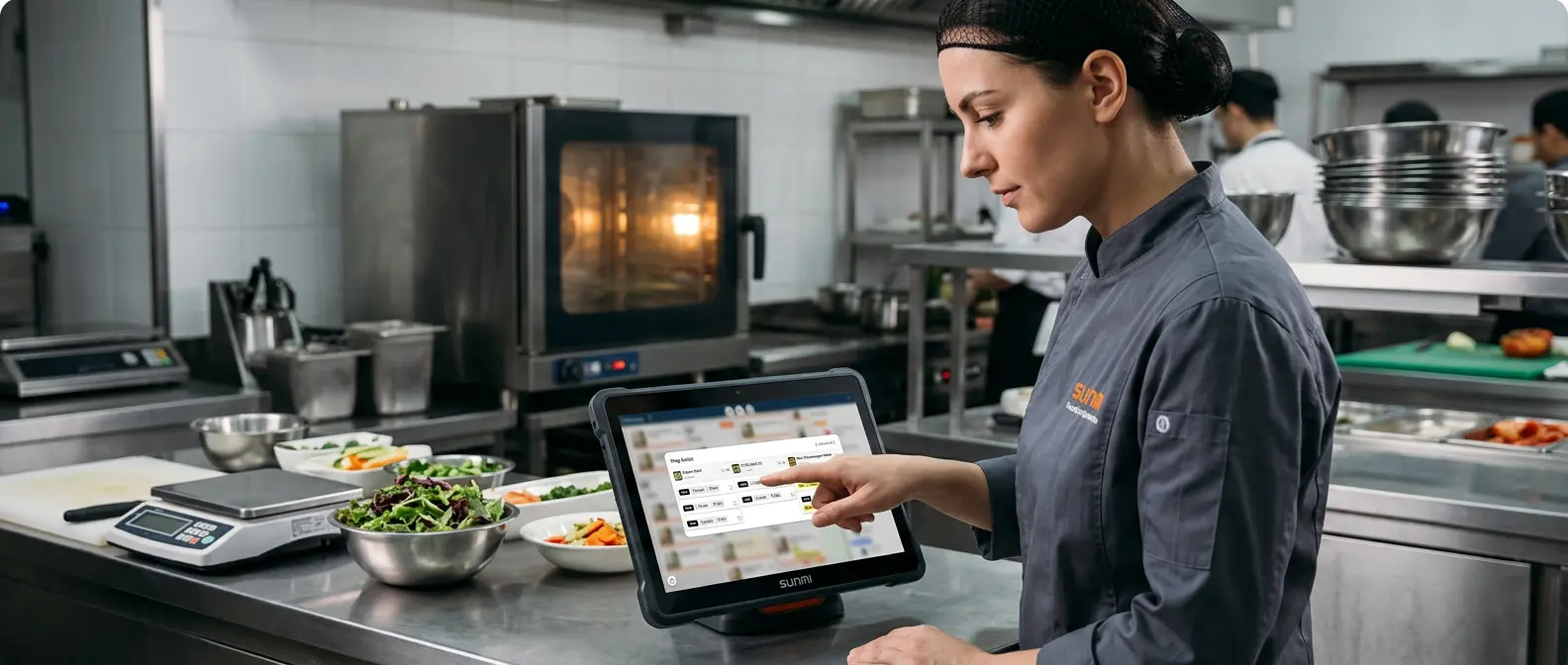
A busy kitchen means dozens of tickets, each with a few items. Cooking one order at a time — a burger here, a burger there — is slow and easy to get wrong.
Prep Assist flips it. Tell it what you want to work on — say, Cheeseburgers — and it instantly gathers every pending one across every live order, ready to cook as a batch.
For each one it shows exactly how to make it — options and special requests — and who it's for. No more scanning every card.
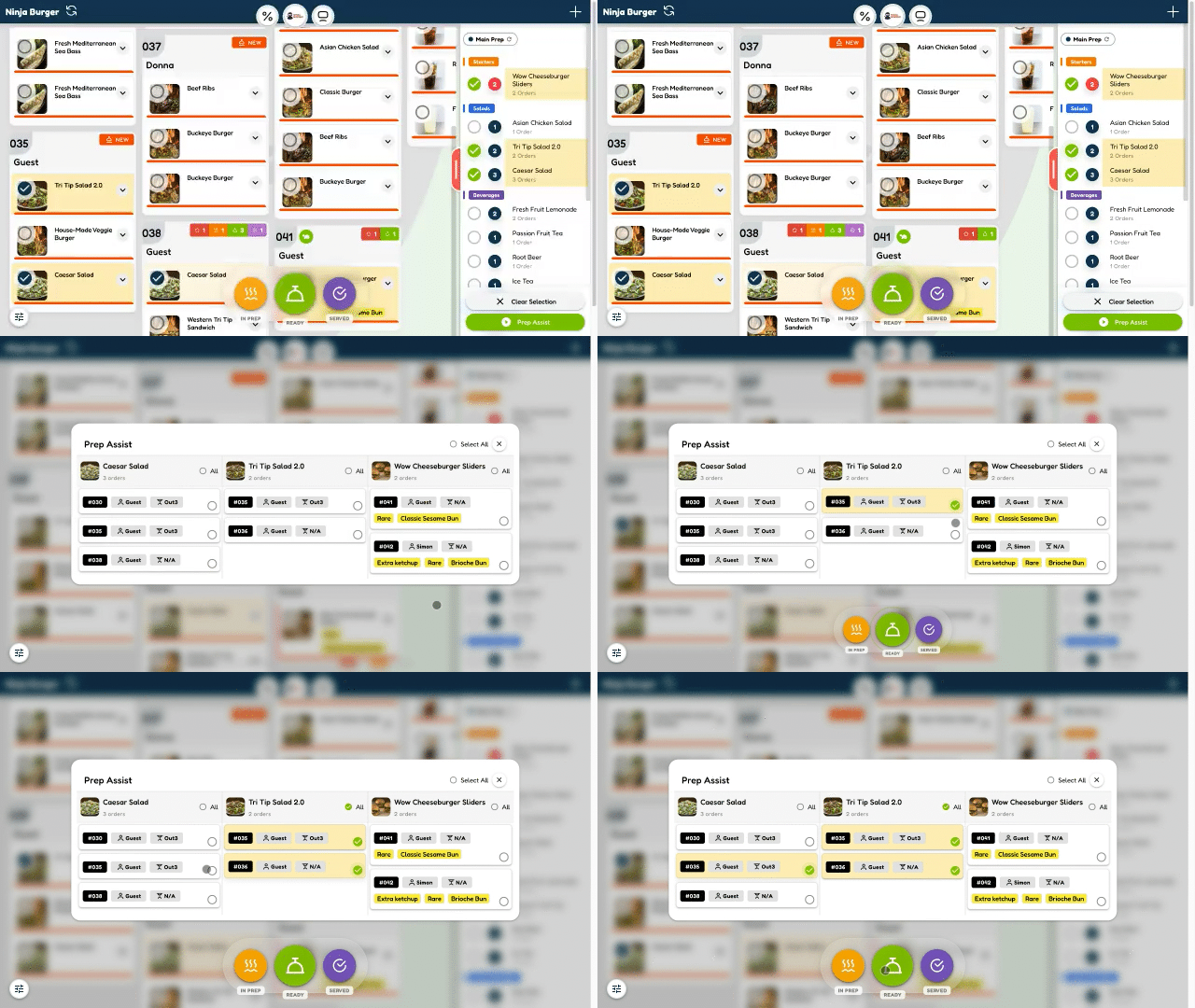
Pick an item. See them all. Cook them together.
How Prep Assist works
Right from the Kitchen Display, in a few taps:
Prep Assist handles up to 3 items at a time — focus, cook, move on.
Every pending one, at a glance
Prep Assist groups the item you chose and lays out each pending order beneath it — with everything you need to cook it right:
- check_circle The item, with its photo and how many orders are waiting
- check_circle Who each one is for — the order and customer
- check_circle Exactly how to make it — size, add-ons, cooking notes
- check_circle Any special request, clearly flagged
Cook in batches, not in circles
Fire all three cheeseburgers together, plate all the salads at once. Batching the same item is faster, more consistent, and wastes less — exactly how a pro kitchen wants to work.
When you're done, mark them In Preparation in one tap — the guests' live trackers update instantly.
Nothing missed, nothing double-made
Prep Assist only shows what's still pending — anything already marked Ready drops off automatically. So you never re-cook a burger that's already done, and nothing waiting gets forgotten.
Built into the KDS you already use
Prep Assist isn't a separate tool — it's one tap inside the Kitchen Display System, on the same screen and stations your team already works with.
dvr Explore the KDS arrow_forwardWhy chefs love Prep Assist
It's the fastest way to clear a rush — and it's unique to DreamDiner.
Cook smarter, not harder.
- check_circle Pick an item — see every pending order
- check_circle Exact build & special requests
- check_circle Know who each one is for
- check_circle Batch-cook up to 3 items
- check_circle Mark In Prep in one tap
Unique to DreamDiner, Prep Assist turns a wall of tickets into a simple, item-by-item cook list — so your kitchen moves faster and gets every order right.
Pick an item. See them all. Cook them together. Powered by DreamDiner.