
DreamDiner's DELZ
The hand-off board — everything that's ready to go out, in one place.
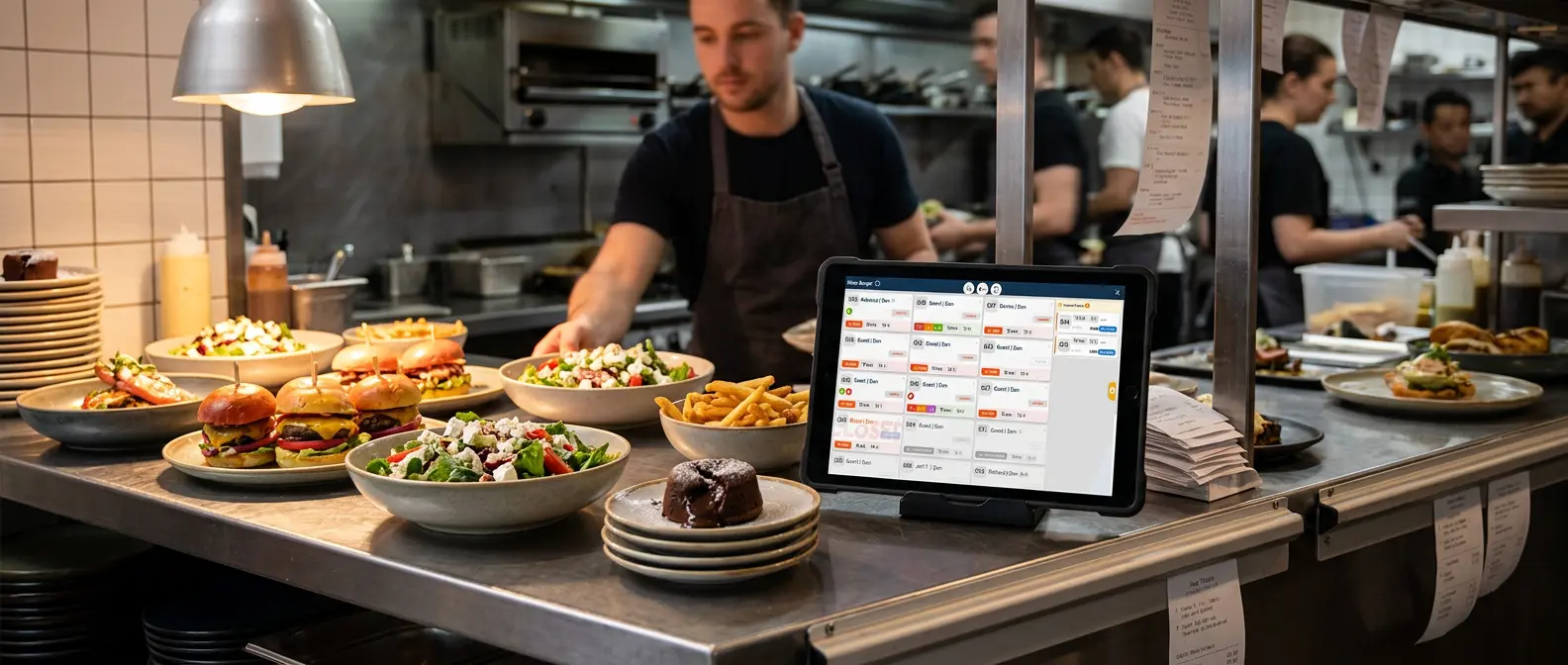
DELZ (Delivery Zone) is the counterpart to your kitchen's KDS. Where KDS shows what to cook, DELZ shows what's ready to go out.
The moment the kitchen marks an item Ready, its order appears on the Delivery Zone board — so your team knows exactly what to pick up and serve, without walking to the kitchen to check.
Hand it to the guest, tick it Delivered, and it clears itself off the board. Nothing lingers, nothing gets forgotten.
KDS is what to cook. DELZ is what's ready to go out.
How does DreamDiner DELZ work?
An order lands on the Delivery Zone the instant any of its items is marked Ready in KDS. Your front-of-house team — or a delivery coordinator — sees it immediately, with everything they need to complete the hand-off.
When the order goes out or is picked up, tick its items (or the whole order) and press Delivered. The order is confirmed and clears off the board automatically.
A live board, always current — no stale tickets, no guesswork.
One board for every hand-off
DELZ isn't only for delivery — every ready order shows up here, clearly tagged by type:
An order is an order — every ready hand-off lands on one board.
Everything on one card
Each order card gives your team the full picture at a glance:
- check_circle Order number & type
- check_circle Customer name
- check_circle Delivery address (for delivery orders)
- check_circle Guest count
- check_circle Special requests
- check_circle The ready items, each with a checkbox
Confirm in one tap
Tick individual items as they go out, or confirm the whole order at once. One press of Delivered batch-confirms the hand-off and clears the order from the board.
In-house orders update the guest's live order tracker instantly. And integrated Wolt orders are pushed back to Wolt automatically once fully delivered.
See it your way
Every kitchen and counter runs differently, so the Delivery Zone adapts to yours:
The same familiar controls your team already knows from KDS.
POS, KDS & DELZ — one connected flow
The Delivery Zone is the final step of the DreamDiner order journey — downstream of the kitchen, in sync with the front of house.
POS takes the order, KDS cooks it, DELZ gets it out the door — so nothing falls through the cracks.
Why a Delivery Zone matters
Without a hand-off board, ready food waits — servers check the pass, ask the kitchen, guess what's up. DELZ replaces all of that with one glanceable, always-current board.
Ready food, out the door, faster.
- check_circle See every ready order in one place
- check_circle Delivery, take-away & eat-in together
- check_circle Confirm delivered in one tap
- check_circle Orders clear the board automatically
- check_circle View per table or per terminal
Whether you run delivery, take-away, or a full dining room, DreamDiner's Delivery Zone makes sure every ready order becomes a delivered one — quickly and cleanly.
Ready → Delivered → Done. Powered by DreamDiner.