

Option 1: DreamDiner “GetPaid”
Connect a supported payment provider such as Stripe or PayPal. Customers order and pay online, with payments going directly to your connected account.
Built for restaurants and food trucks. Designed around you.
The all-in-one restaurant platform covering everything from customer ordering to payouts.
Start DreamDiner for freeOr try it free — convert your menu arrow_forwardGo digital in seconds. Serve more with less.
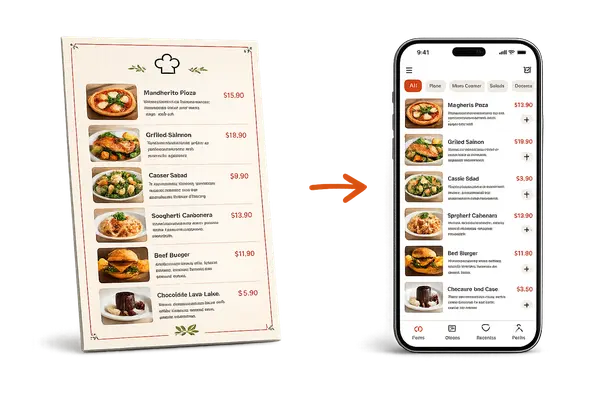
Turn your existing menu into a complete digital ordering experience in seconds. Guests can browse, order, and pay from their phones—without waiting for staff.
Less staff. Faster service. Bigger orders. Higher profits.
DreamDiner is a full-featured restaurant management platform for just €58/month.
Upload your menu and watch it become a real ordering app — in seconds, no setup. Your customers browse, customize, add to cart, pay and track their order right from their phone, while every order lands straight in your kitchen.
Just 3 easy steps
Getting your restaurant up and running with DreamDiner is quick and simple.
Register at admin.dreamdiner.io and enter some basic information about your business. From there, convert your existing menu into DreamDiner — or simply start adding your menu items manually.
open_in_new Open admin.dreamdiner.ioThis step is optional, but highly recommended if you want customers to complete their orders with convenient self-payment. Simply choose one of the payment providers available for your country from the DreamDiner dashboard and follow the connection process.
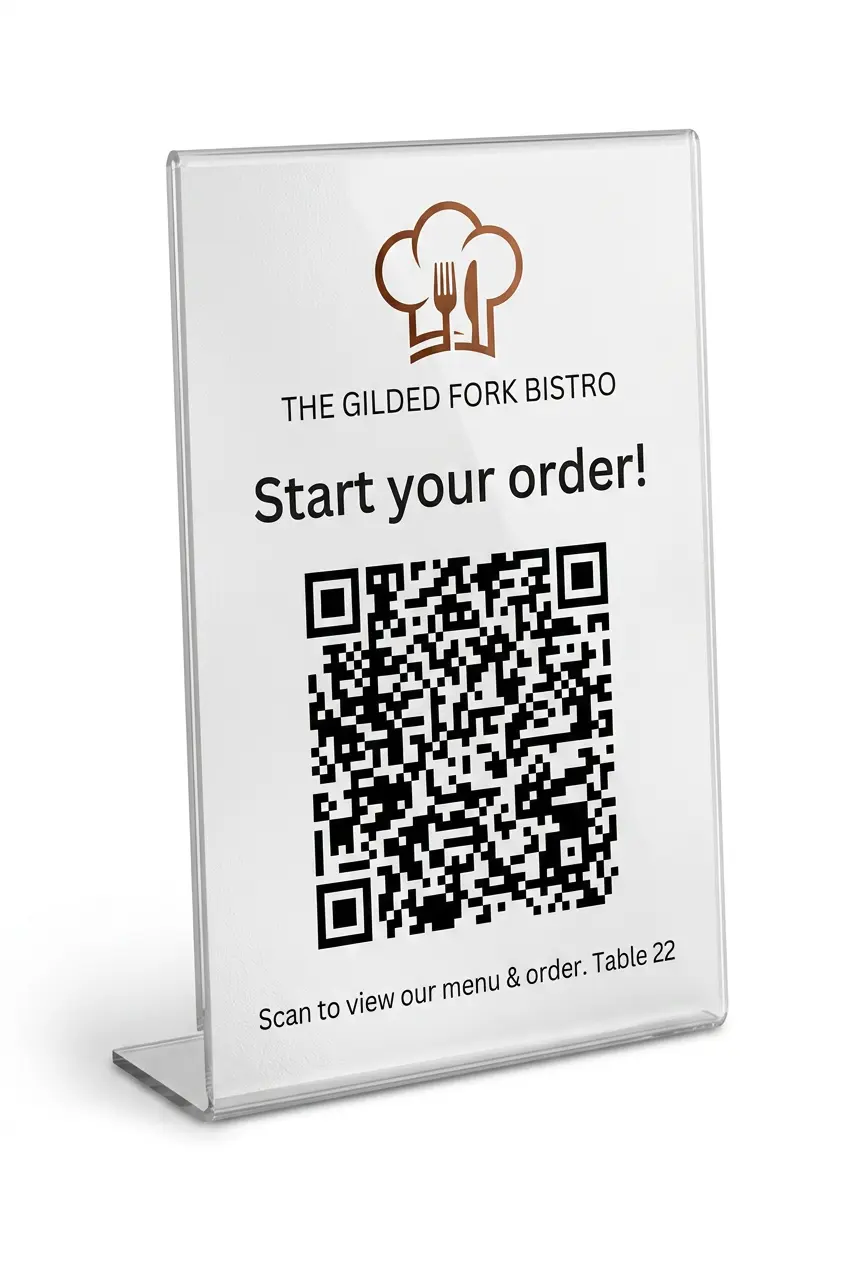
You're ready to go! Print your unique DreamDiner QR code and place it on your tables, counter, menu — anywhere customers can easily scan it. You can also use NFC cards or tags linked to your ordering URL, so customers simply tap their phone to open your menu.
check_circle That's it — your DreamDiner setup is complete.
Welcome to a simpler way to run your restaurant.
One platform for your restaurant — pick the app built for the job.
The Client App lets customers browse the menu, place orders, and complete payments online from their own device.
The Staff App allows your team to take orders, manage tables, and handle service operations directly from any device.
The Table Planner helps you manage reservations, organize bookings, and keep track of table availability in real time.
The Shift Planner enables managers and staff to schedule, view, and manage work shifts in an organized way.
From taking the order to plating the dish — one connected system.
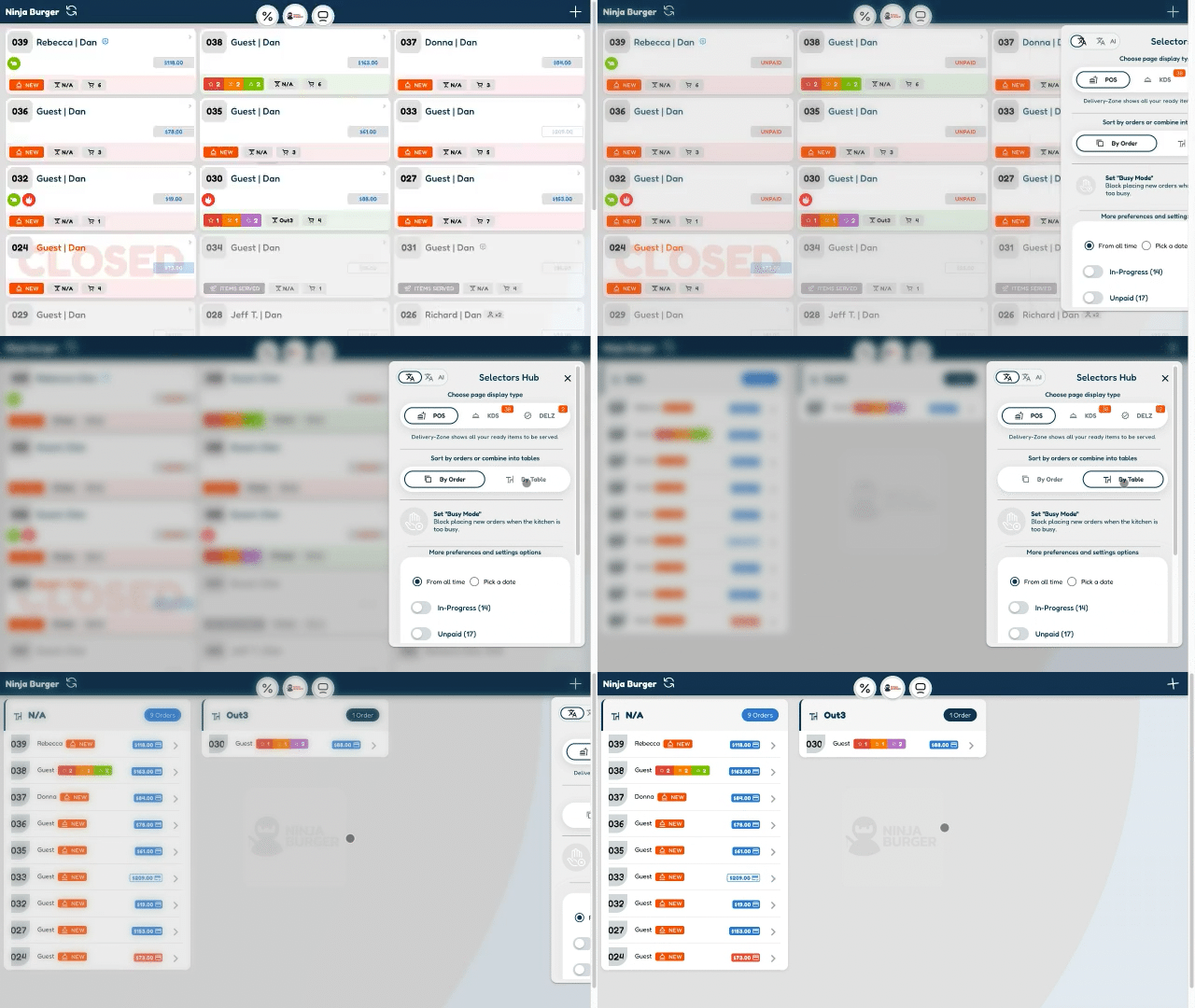
Manage dine-in, takeout, and delivery from a single POS - the central hub of your entire operation.
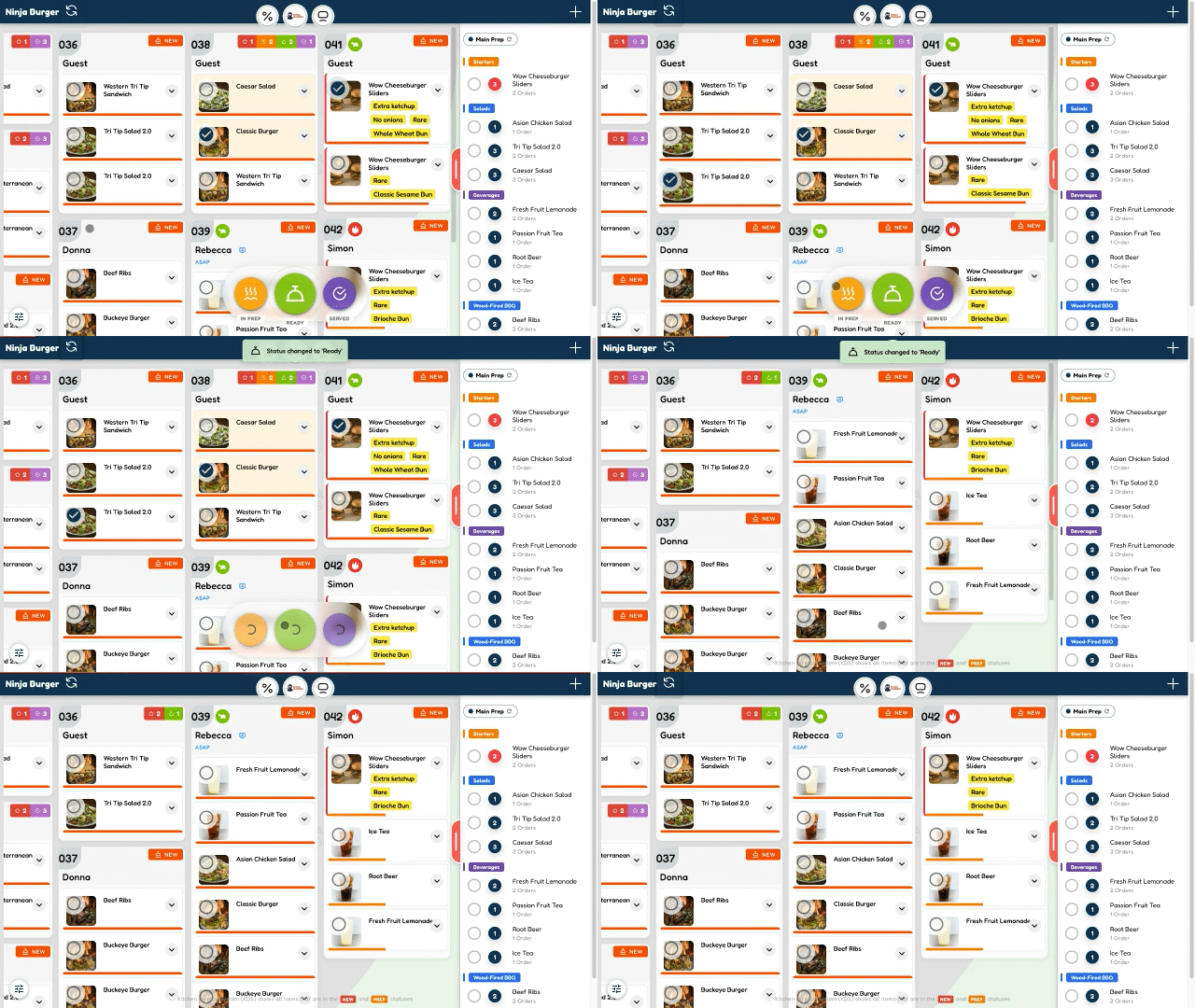
Delight your kitchen staff with a system they’ll actually love to use. Built from years of experience, it delivers a fast, clear, and highly efficient workflow designed for real kitchen operations.
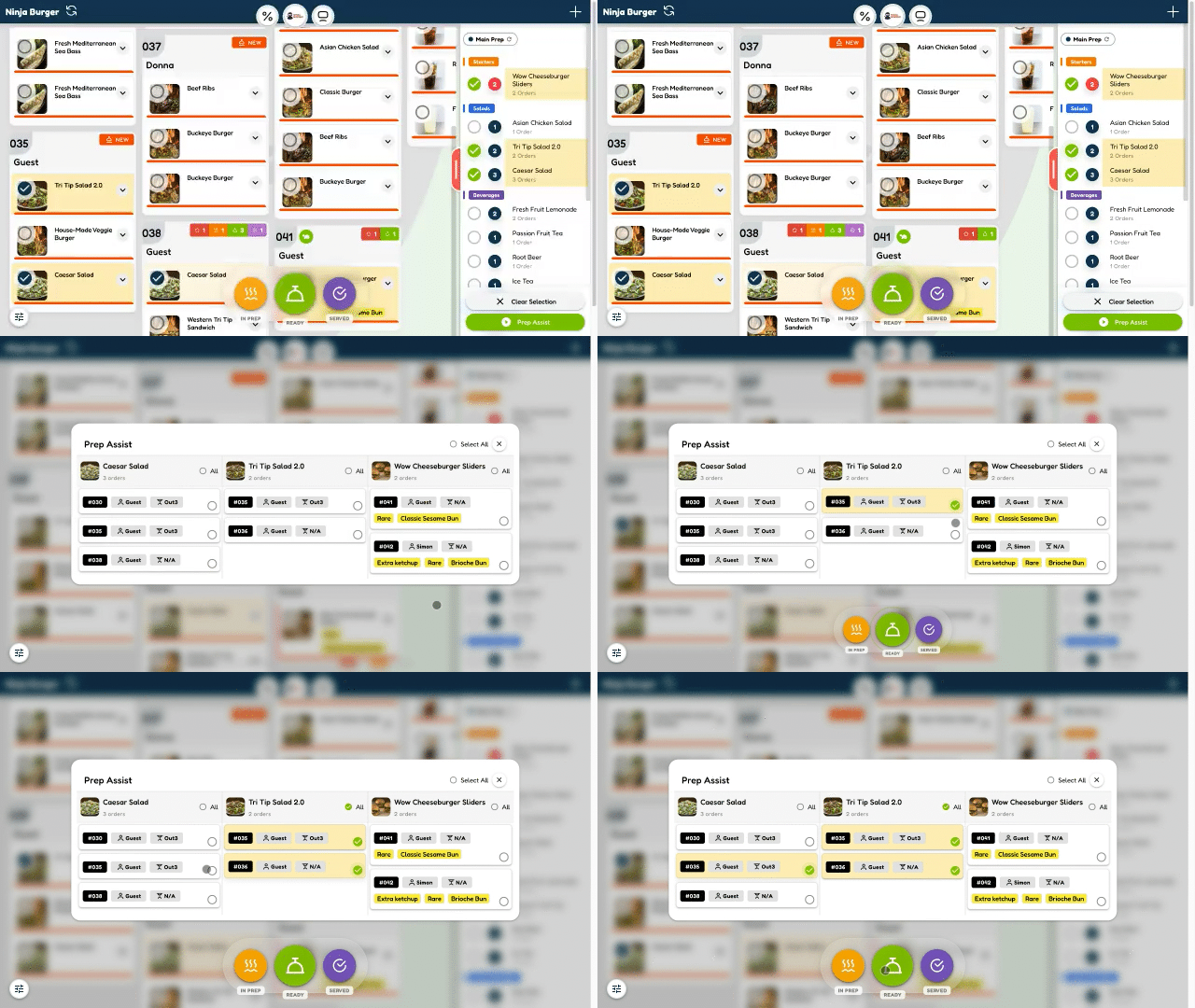
Work faster and more accurately with intelligent preparation guidance that keeps your kitchen perfectly coordinated - simple, efficient, and enjoyable to use.
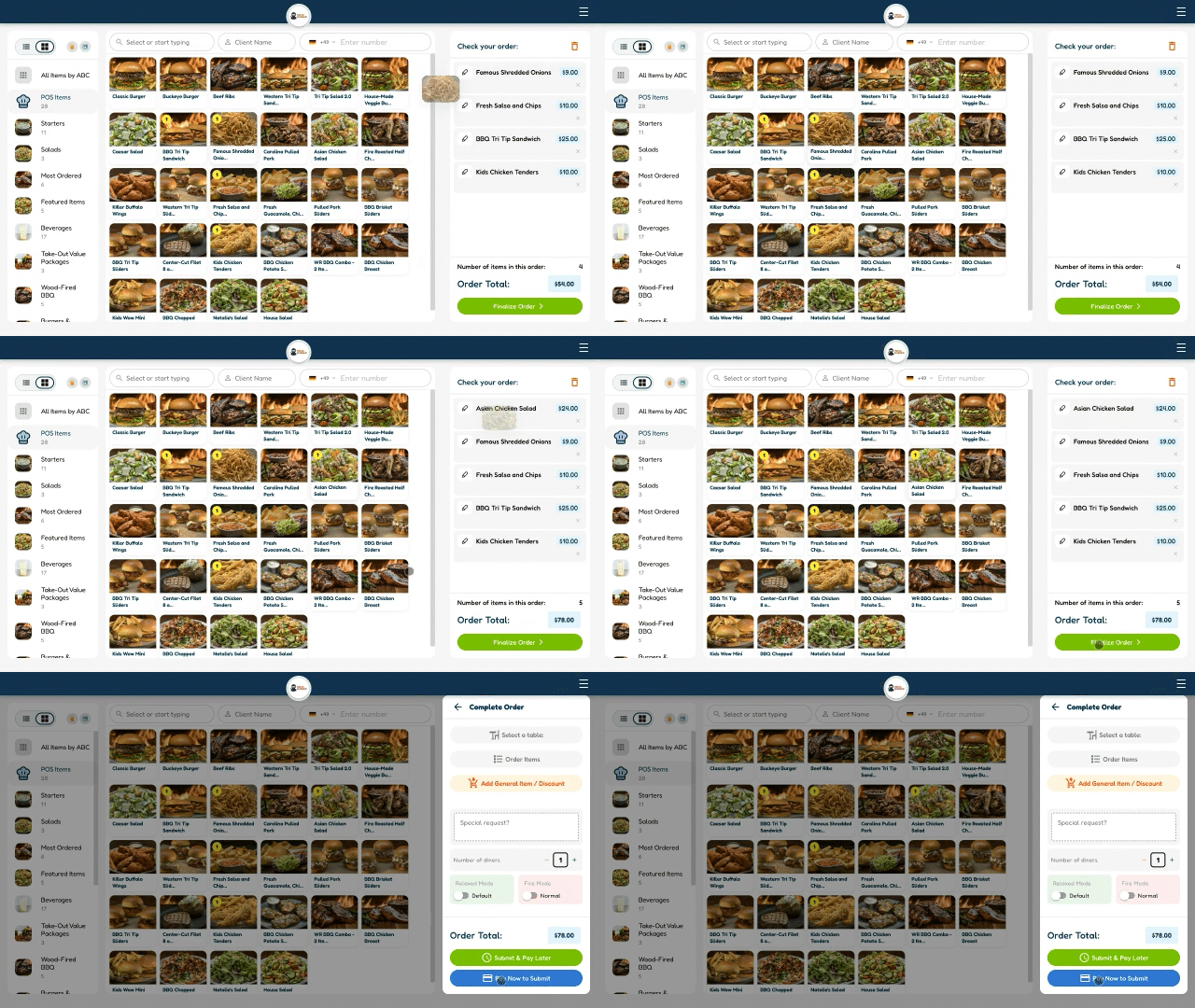
A fast, intuitive interface for taking customer orders instantly and accurately — no training needed, just smooth and efficient service.
DreamDiner gives you the flexibility to choose how you work and how you get paid.
Connect a supported payment provider such as Stripe or PayPal. Customers order and pay online, with payments going directly to your connected account.
Continue using your existing payment provider and simply mark orders as Paid in DreamDiner.
Customers can place orders through DreamDiner, and orders are sent directly to the kitchen. Customers cannot pay for their order through the DreamDiner app. Payment must be processed separately outside DreamDiner, and the order manually marked as PAID.
Either way, DreamDiner manages the complete ordering flow — from customer order to POS and kitchen (KDS).
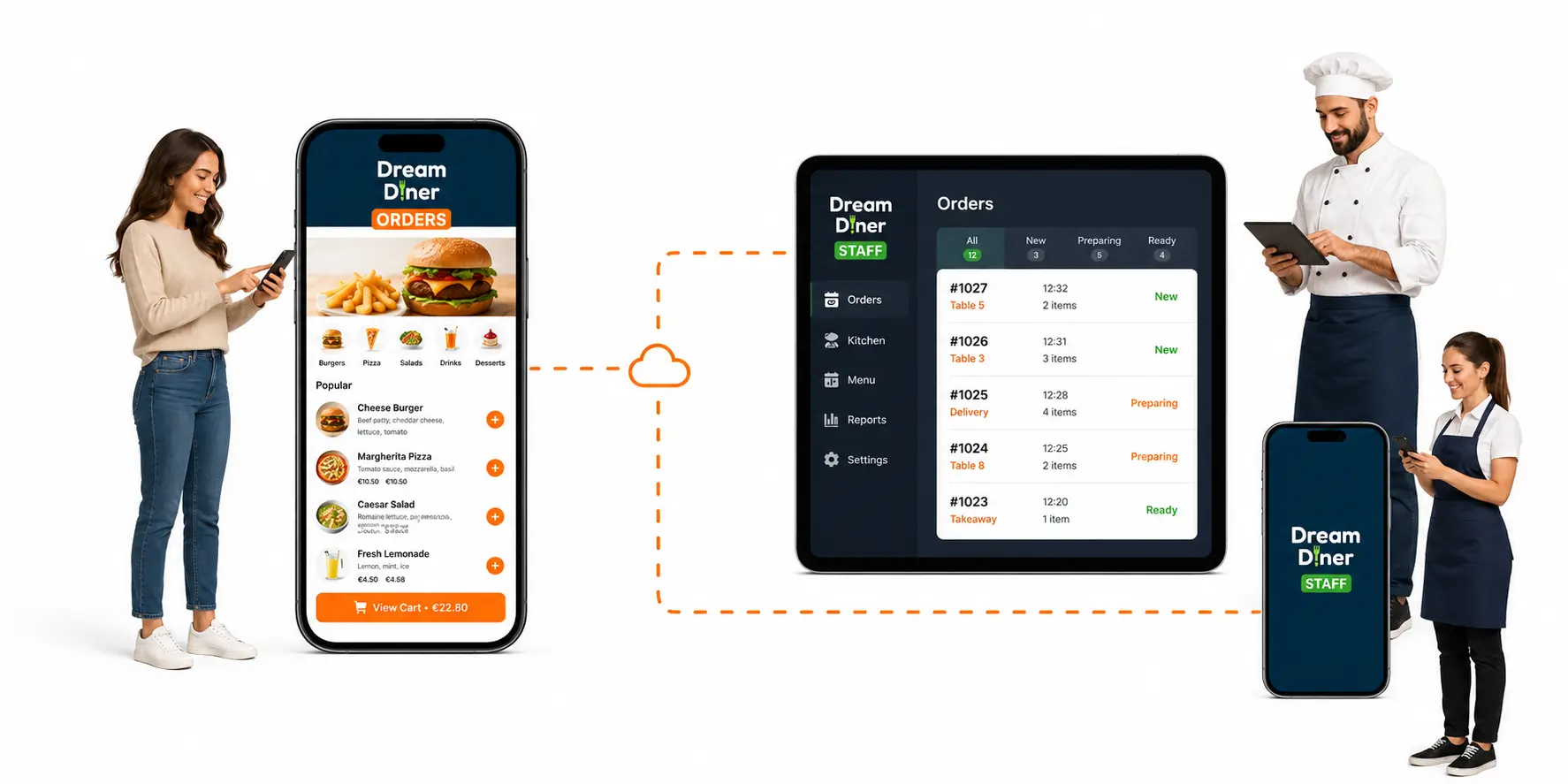
This is what DreamDiner is all about.
Customers order directly from their phones, while your team manages everything through the DreamDiner Staff app. Any phone, tablet, or iPad can do the job — no dedicated hardware or printed tickets required.
Add as many devices as you need across your kitchen stations — Grill, Salads, Pastry, Bar, and more — with each station receiving exactly what it needs.
All of this for just €58/month.
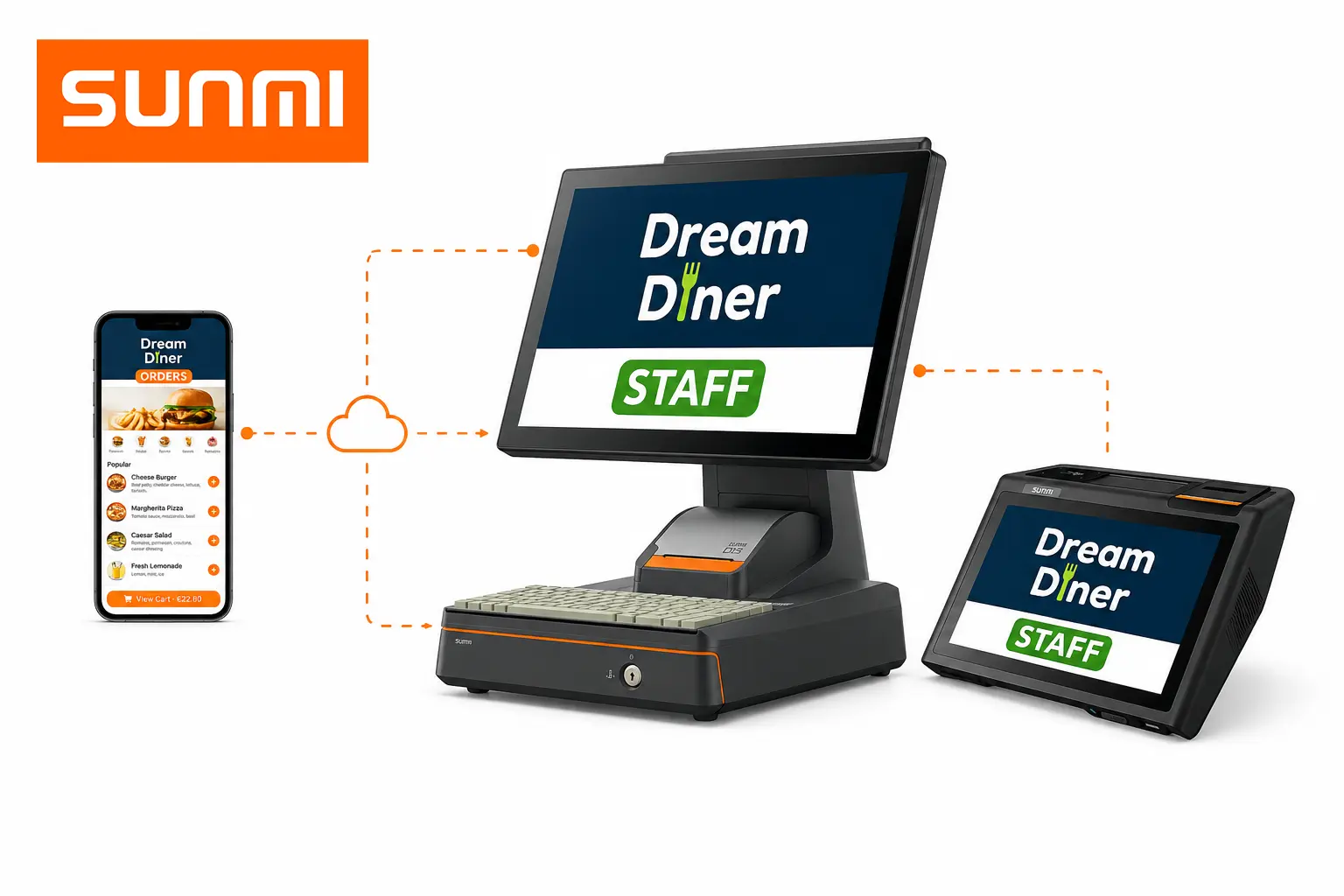
Prefer professional restaurant hardware? DreamDiner supports SUNMI POS and KDS devices.
Mix and match dedicated SUNMI devices with regular phones, tablets, and iPads. Everything stays connected and synchronized in real time, giving you the freedom to build the setup that fits your operation.
 Get a Sunmi device arrow_forward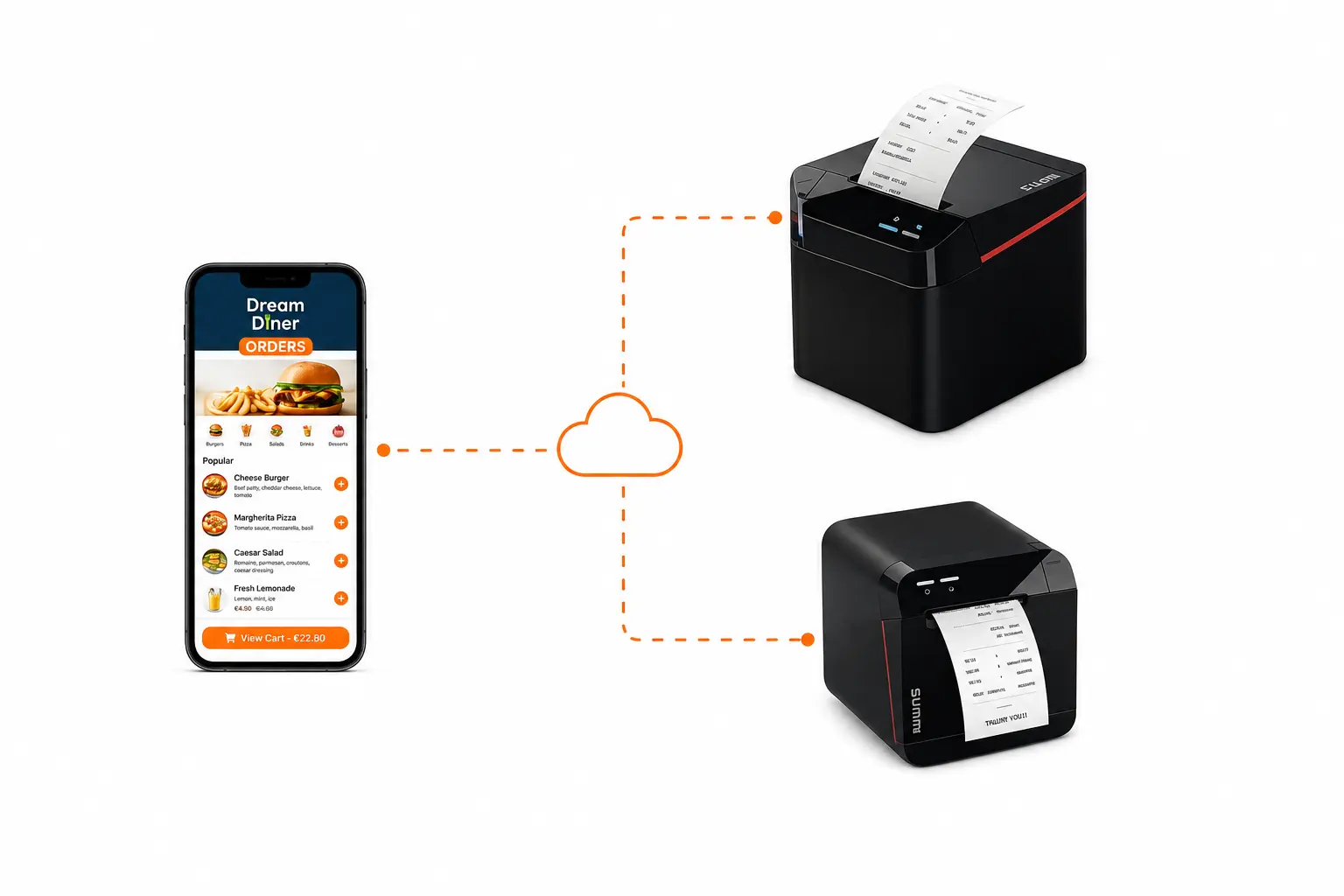
Some kitchens simply work better with paper — DreamDiner supports that too.
Connect SUNMI Cloud Printers and automatically print incoming orders as kitchen tickets. Assign printers to specific stations, so the Grill prints only Grill items, the Bar only drinks, Pastry only desserts, and so on.
A quick setup in the Admin dashboard is all it takes.
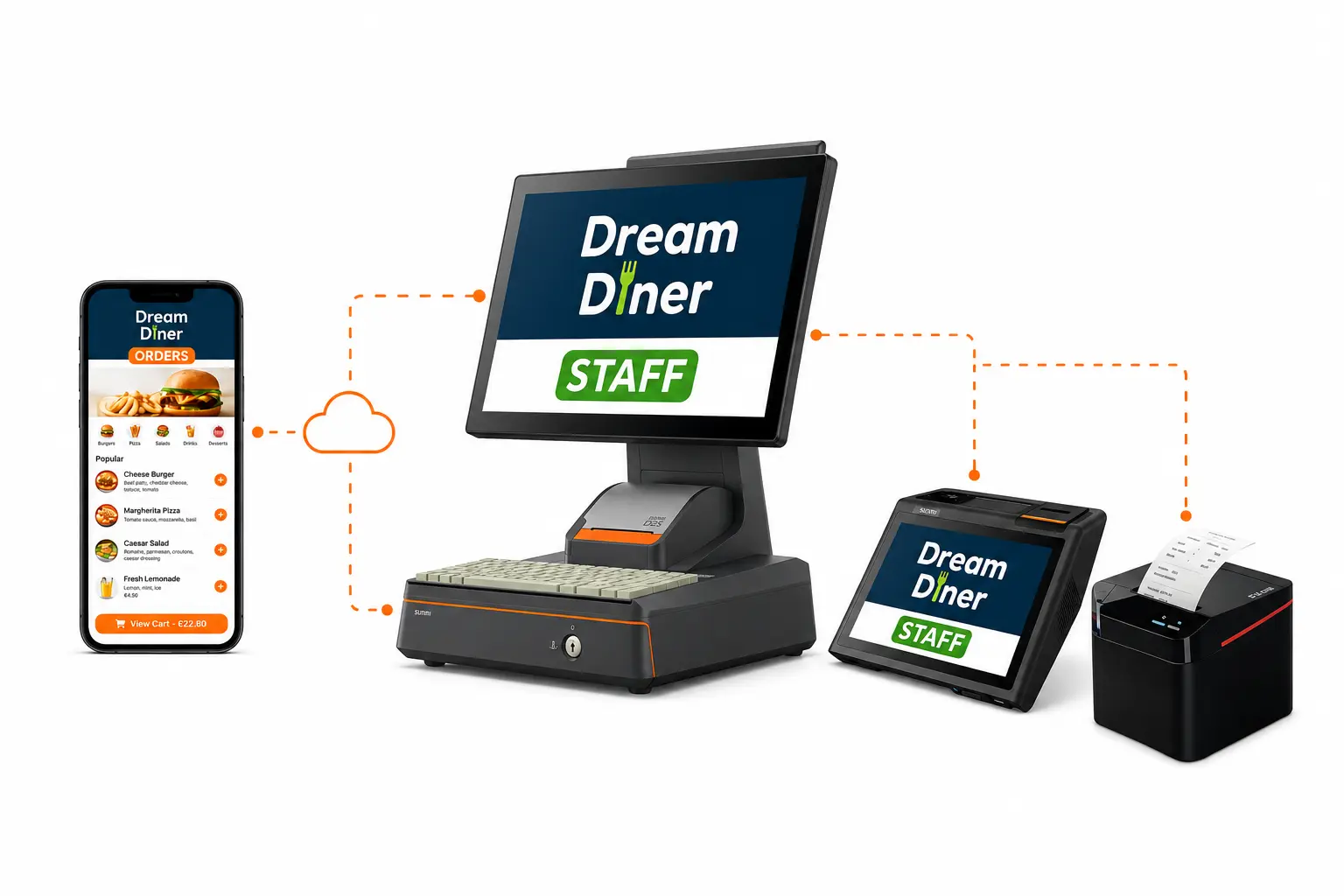
Digital screens, POS devices, printed tickets — or all three.
Let each kitchen station and staff member work the way that suits them best. Add and combine as many supported devices and stations as your operation requires, with no extra DreamDiner fee per station.
One platform. Every station. Your way.
With an expert team of graphic designers and developers, you will be amazed!

Simply provide us with some basic information and your current menu, and in 2-3 days, we will surprise you with a complete ordering app tailored to your needs.
This is a paid feature available for only €135. However, if you are not satisfied with what we create for you within 7 days, we offer a full money-back guarantee—no questions asked, no excuses.
Our partnerships with leading third-party service providers for payment processing, delivery management, reservation booking, and more make DreamDiner incredibly simple to set up for businesses. Everything you need is in one place!

Global card payments through Stripe's trusted, secure checkout.

Let guests pay in a tap with the PayPal account they already have.

Cards, UPI and local payment methods for the Indian market via Razorpay.

Israeli card clearing and processing, built right in.

Receive and manage all your Wolt orders on DreamDiner's POS and KDS. No extra displays required!

One hub to sync your menus and orders across every delivery app.

Official Reserve with Google Partner
Turn Google visitors into confirmed reservations. Let guests reserve their table in seconds while every booking appears instantly in your DreamDiner planner.

Built for SUNMI POS & KDS
Install DreamDiner directly from the SUNMI App Store and transform any SUNMI device into a powerful POS, Kitchen Display System, or staff terminal.